
Name-Based Kittitas Case Searches
For a free first pass, open Washington Courts Search Case Records. The site splits District/Municipal, Superior, and Appellate into tabs. Pick Kittitas County Superior Court on the Superior tab. Then choose the Civil, Criminal, Domestic, or Probate/Guardianship category that fits. Depending on the route, the form takes different fields. It may ask for a last name, first name, business name, filing year, or case number.
Odyssey Smart Search wants parties entered as last name, first name, middle name. The official guide says capitalization does not matter. An asterisk widens a partial term. Minimum lengths apply. Hyphenated names sometimes work better without the punctuation. A very broad Kittitas search can hit a results cap. Filter by location, date range, category, status, case type, or judicial officer until the list shrinks to something usable.
- Select the correct court level before entering a name.
- Use the spelling shown on a court notice and add a first name when needed.
- Narrow by Kittitas location, case type, and likely filing year.
- Open the possible result and compare court, filing date, caption, and case number.
- Read the newest event and confirm needed facts with the official clerk record.
| Search field | Useful when | Check before relying |
|---|---|---|
| Last and first name | The case number is unknown | Common-name collisions and spelling variants |
| Business name | An entity appears in a civil caption | Whether it is a party or another case participant |
| Case type | A broad name returns many records | Domestic, civil, probate, and criminal are distinct |
| Year filed | The likely start year is known | A later event can occur in an older case |
Four Kittitas Search Tools, Four Jobs
Four Kittitas tools, four different jobs. The statewide service pulls case headers from all levels. Odyssey digs into Superior Court case information. It also handles hearing search. Digital Archives describes many Superior case files. It also offers a route to the documents. Tyler Court Records Search covers newer limited-jurisdiction records created after the 2026 CLJ-CMS transition.
| Official tool | Best use | Main limit |
|---|---|---|
| Washington Search Case Records | Free statewide case finding | Finding aid, not guaranteed complete or current |
| Odyssey Portal | Kittitas Superior case activity and hearings | Anonymous users do not receive case documents |
| Digital Archives | Eligible Kittitas Superior file search and copies | Restricted categories and a preview discrepancy |
| Tyler Court Records Search | Post-May 4, 2026 limited-jurisdiction cases | Transition timing requires a second check |
JIS-Link is a paid alternative for display-only JIS information. It delivers no documents. Charges include a per-transaction fee plus a monthly minimum, so most people should stick with the free official tools and contact the right court clerk for copies.
Kittitas Case Number Searches
Search by case number when you can. It beats a name, since common surnames pile up fast in Kittitas court records. Type the identifier exactly as the court issued it. Keep letters, punctuation, and leading zeroes intact. Never relabel a municipal case as a District case in your notes. Some municipal records are administered at a District location anyway.
Each portal handles numbers its own way. The direct statewide limited-jurisdiction form pairs a court-name selector with a case-number field. Odyssey Smart Search accepts full or partial numbers under the guide's character and wildcard rules. Digital Archives offers a case-number or keyword field with year bounds. A simple worksheet noting exact court + exact case number + filing year helps. It keeps results from several portals straight.
An identifier may come up empty. The case may sit at another court level or in another transition system. Do not strip prefixes just to force a hit. If a filing deadline or hearing rides on the answer, call the court.
Kittitas Odyssey Filters Reduce Noise
The Odyssey Quick Reference Guide is the sharpest public instruction set for participating Superior Courts. It was updated October 15, 2025. Smart Search runs an anti-automation check. It also offers Advanced Filtering Options. The Kittitas location, date range, case category, case type, status, and judicial officer fields do the trimming. Used together, they turn a flood of name hits into a workable set.
Hearing Search does a separate job. It covers civil, criminal, family, probate, and mental-health hearing types. Search by case number, party, business, attorney, bar number, judicial officer, or courtroom. Always open a hearing result against the full case activity. Dates move. A missing event can reflect access limits or a display delay rather than the calendar itself. The official Washington Courts form shows the court-level tabs and case-type filters on its page:
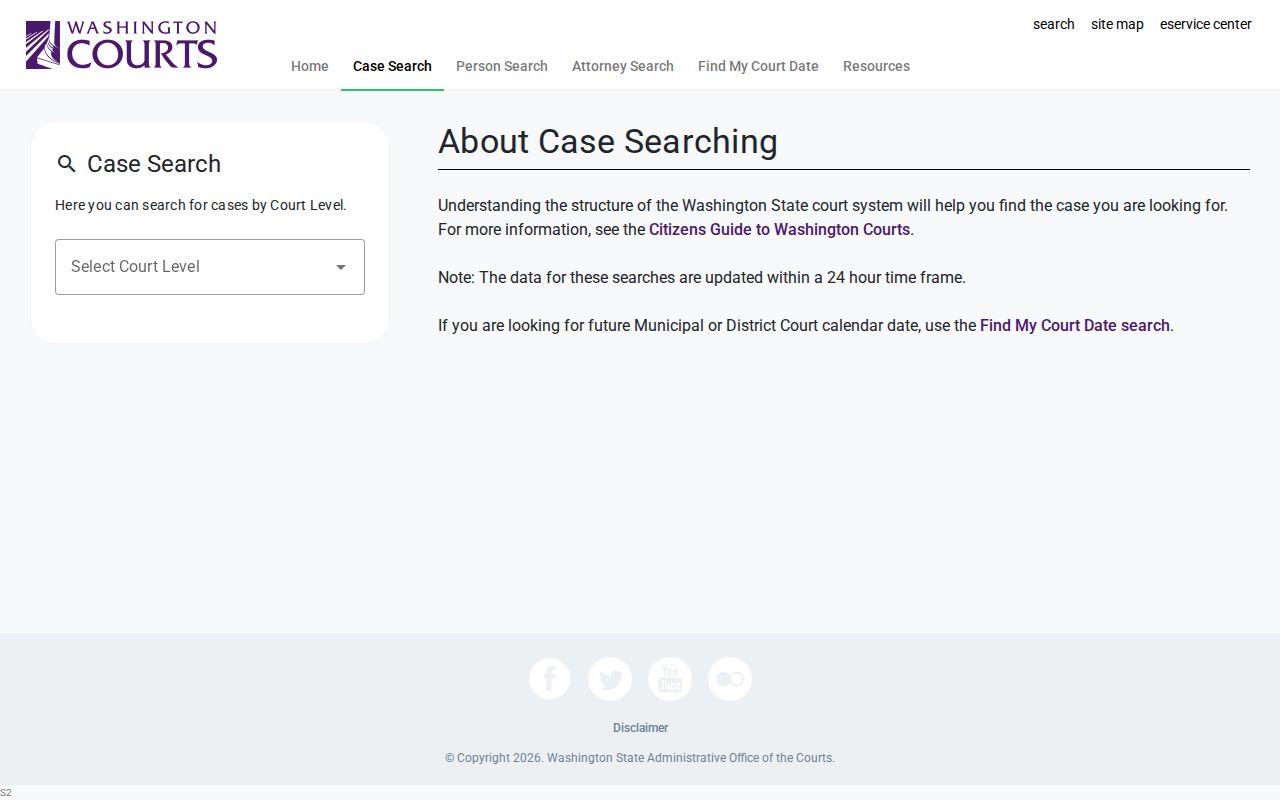
Those separate tabs carry a lesson. One county name does not merge Kittitas Superior, District, municipal, and appellate files into a single view.
Kittitas Case Search Results Explained
Think of a result as a finding aid, not a verdict. A Kittitas docket entry can show a lot. It may list the court, case number, caption, filing date, category, status label, public parties, events, settings, and sometimes judgment information. Exact fields depend on the portal and your access level. Anonymous Odyssey users see case information but not documents. State Case Search warns that its data may be incomplete or delayed. Identity is never guaranteed.
| Court and location | The custodian and venue that own the file. |
|---|---|
| Case number | The identifier to retain for every later search or copy request. |
| Case category | Civil, criminal, domestic, probate/guardianship, infraction, or another official type. |
| Filing date | The date the clerk opened or entered the case, not the date of every later event. |
| Register of Actions | The chronological event and filing index. |
| Future settings | Scheduled activity that should be checked near the hearing date. |
| Status or disposition | A system label requiring the underlying event, judgment, or order for full meaning. |
Labels shift with context. "Dismissed" can attach to one count, one claim, a petition, or the whole case. "Judgment" is just as slippery. It might mean a money judgment, an infraction judgment, or a criminal judgment. Check the case type and read the filed order before concluding anything.
Kittitas CLJ Searches Changed in 2026
Lower District's page describes CLJ-CMS starting May 4, 2026, with attorney e-filing mandatory on June 3. Upper District's administrative-record page points cases filed after May 4 to the new Tyler Court Records Search. Those dates look like stages of one rollout, not a clean single-day swap.
- Search the statewide District/Municipal interface using the exact court name.
- Search Tyler for a limited-jurisdiction case filed on or after May 4, 2026.
- Compare the filing date, case number, and selected court in both results.
- Check a municipal label as issued instead of searching only “Kittitas County.”
- Ask Lower or Upper District which system is authoritative when a recent case is absent.
Run both systems for citations and newly filed Kittitas District matters. A "no result" message may only reflect a portal's date range, migration state, or court selection. It does not prove the court record is absent.
Two Ways to Search: County and State
Search twice. A statewide tool sweeps every Washington court level at once. County tools dig deeper. For Kittitas Superior Court, Odyssey and the County Clerk's pages carry you from a case header to a Register of Actions, a weekly calendar, a filing list, or a copy request. District Court is different. Its Lower and Upper local pages post contacts, transition notices, and records instructions.
| Route | Strength | When to confirm |
|---|---|---|
| Statewide search | Cross-level starting point and exact court selectors | Any possible match, stale status, or missing document |
| County Superior tools | Local calendars, filings, copy routes, and Odyssey access | Restricted files, certification, or a changing setting |
| District Court pages | Local contacts, forms, fees, and transition guidance | Recent CLJ filing or municipal routing question |
Federal cases never show up in these county systems. They belong to the Eastern District of Washington, where PACER and the federal Clerk hold the docket. State appeals also leave these systems behind. A case can move to the Washington Court of Appeals, Division III, and take on a new appellate identifier.
When a Kittitas Case Is Missing
A blank result is rarely a dead end. The case may sit at a different court level. It may hide under a different spelling, or in a year you guessed wrong. It could be too new to appear yet. Other causes include the 2026 limited-jurisdiction transition, a restricted case, or an online collection limit. Retry with the exact case number and court from a notice before widening the name.
No result is not no record: Record the portal, court, filters, and search date, then contact the custodian if the case should exist.
Superior Court belongs to Karen Bowen, the Kittitas County Clerk. Reach her at 509-962-7531 or the Suite 210 counter in Ellensburg. Lower District takes 509-962-7511 or LKD@co.kittitas.wa.us. Upper District answers at 509-674-5533 or upperdistrictcourt@co.kittitas.wa.us. Ask any of them for a public docket or a named record, not legal interpretation.
Which Kittitas Cases Stay Restricted
Washington General Rule 31 governs public access to court records. General Rule 15 governs sealing, redaction, and destruction. General Rule 22 keeps categories of family-law, guardianship, protection-order, and therapeutic-court information under wraps. RCW 13.50.050 adds juvenile limits. Digital Archives also bars adoption, dependency, and mental-competency material from public online access.
A restricted result stays restricted. Switching portals does not authorize access. Anonymous Odyssey users see no restricted cases. They cannot pull case documents even for an ordinary public header. Ask the clerk what index information, redacted document, or order can lawfully be released. A document may exist only as a copy. Then the Kittitas County court case records page explains clerk and certification routes.
Kittitas Portals Are Finding Aids
Every portal tells the same story. State Case Search, Odyssey, Digital Archives, and the Clerk pages point toward the official record rather than being it. None is the complete, current, certified thing itself. A Register of Actions can name a judgment yet omit the signed document. A calendar can list a hearing without proving it happened.
So ask precisely. The right case will turn up eventually. Then request the exact product: the docket or Register of Actions, a named order, judgment, decree, redacted public filing, audio, an ordinary copy, or a certified copy. The Kittitas County Clerk keeps the Superior files. Lower and Upper District clerks keep their own limited-jurisdiction files. Municipal dockets attach to those District systems under the state directory and local routing.